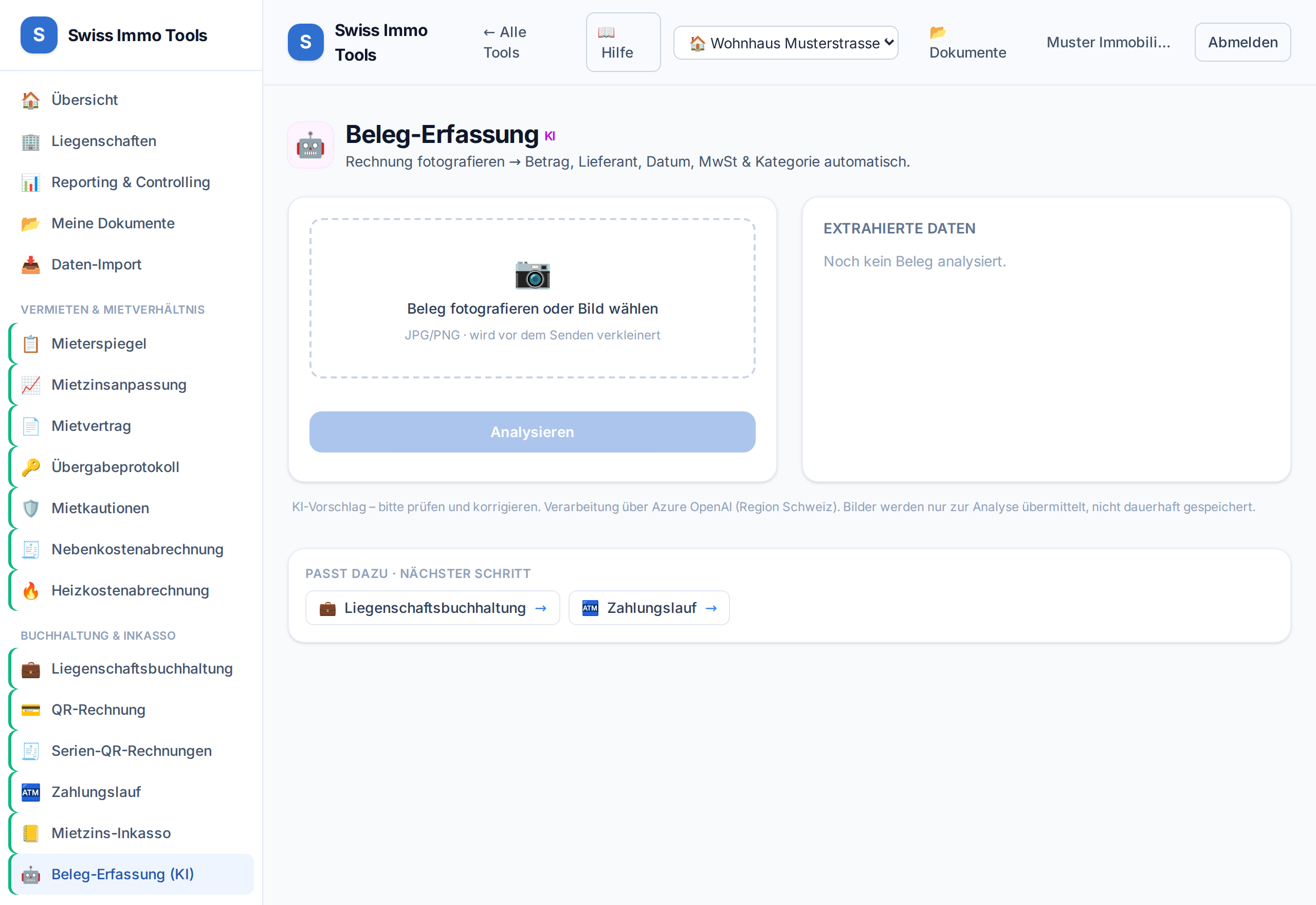
Upload a photo or PDF of a receipt – the AI reads amount, date and supplier and suggests the booking.
-
1
Open the AI receipt capture tool, upload or photograph the receipt.
-
2
Check the suggestion (amount, date, account) and correct if needed.
-
3
Import it directly as an expense into accounting, with the linked property.
Tool from launch: → AI receipt capture