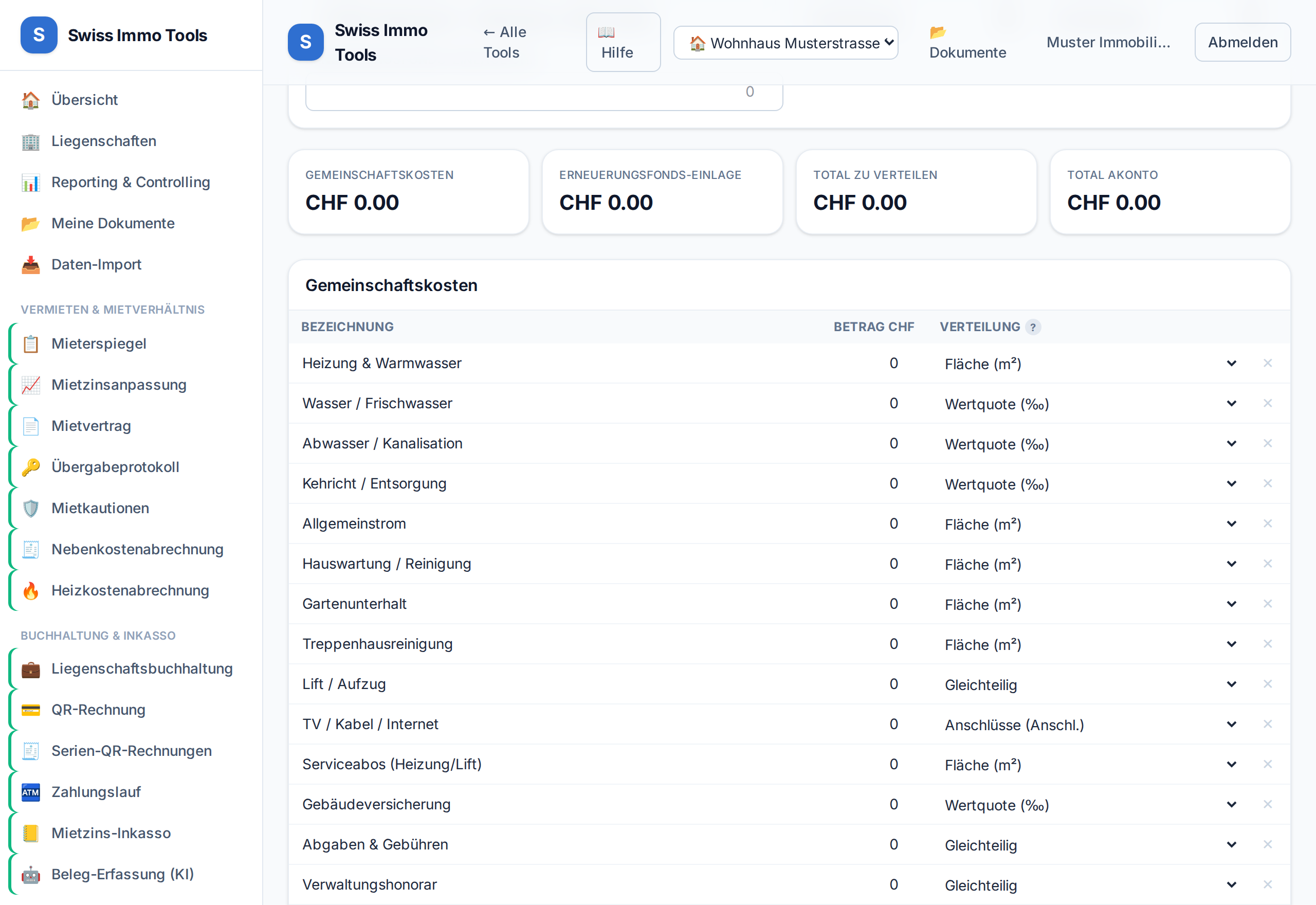
Distribute the common costs of a condominium owners' association by value quota (or another key), incl. renovation fund and advance instalments.
-
1
Open the Condominium statement tool and import the condominium property – owners, value quotas and allocation keys are loaded.
-
2
Enter cost positions; per position, choose the key (value quota, area, volume, connections, consumption …). Standard positions can be inserted with a button.
-
3
Enter the contribution to the renovation fund (distributed by value quota).
-
4
On an owner change, “Fill ownership days” completes the days — and reports overlaps or a sum that does not add up.
-
5
Set advance instalments per owner and generate PDF statements.
Tool from launch: → Condominium statementTool from launch: → Condominium meeting
Related: Allocation keys · Renovation fund