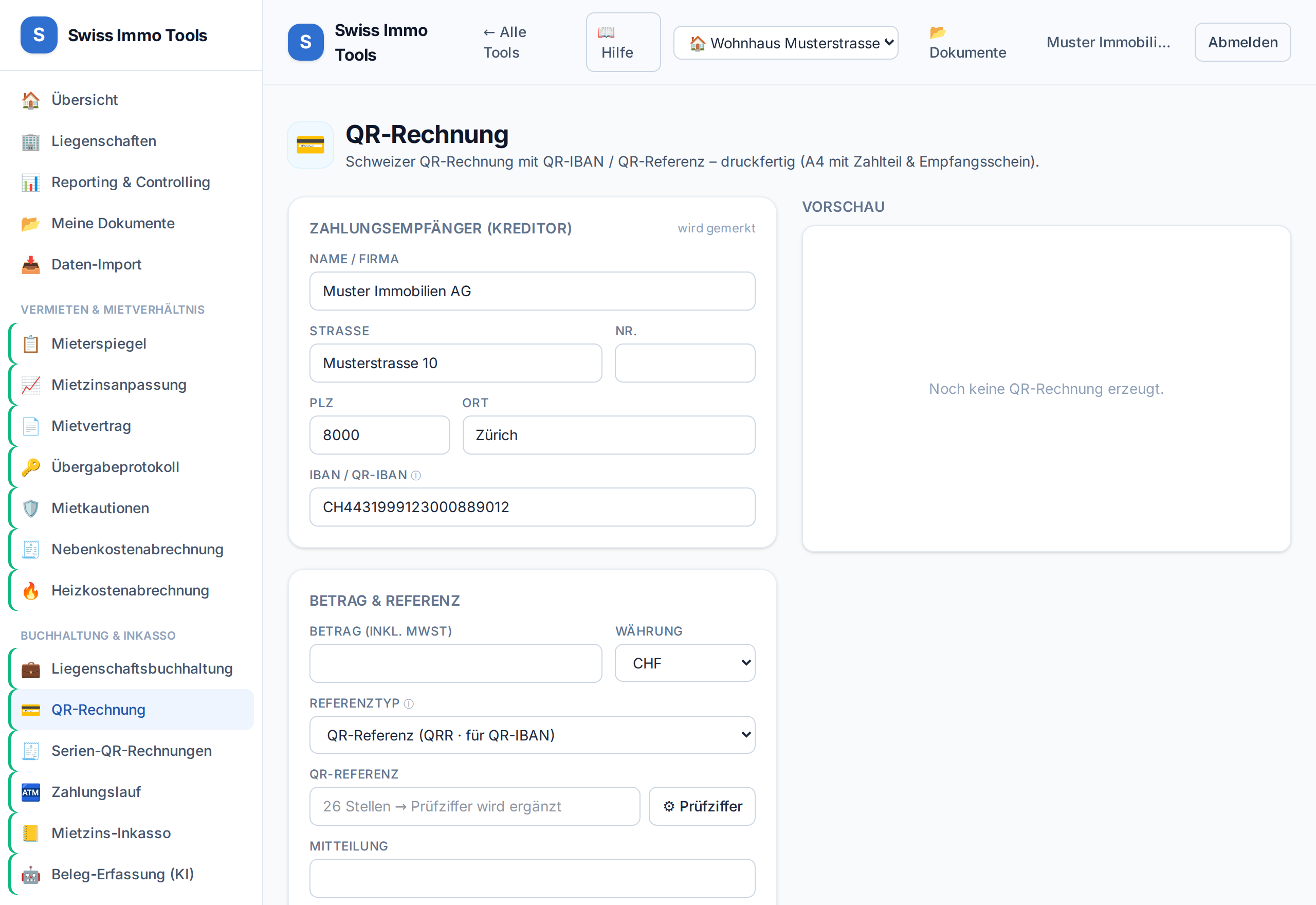
Generate valid Swiss QR payment slips with your QR-IBAN.
-
1
Prerequisite: QR-IBAN stored in the master data.
-
2
Open the QR invoice tool, enter recipient and amount (or import property/tenant). With a unit selected, the invoice header appears at the top: client, tenant, due date and per unit — the flat with its assigned ancillary units such as a parking space — period, net rent, advances and total.
-
3
Provide payment purpose/reference and generate as PDF – ready to print and send.
Tool from launch: → QR invoiceTool from launch: → Batch QR